

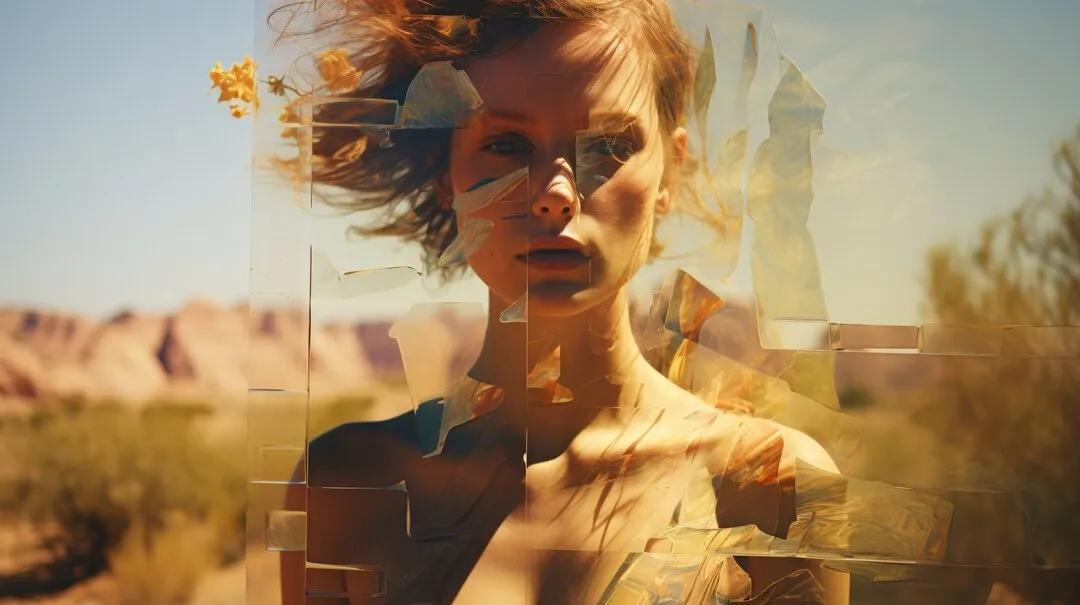
Image source: freepik
Visual content has never been more important. Whether you're building a brand, running a social media account, or developing marketing campaigns, the demand for high-quality images is constant — and the pressure to produce them quickly is real. Traditional design workflows require either expensive software, professional skills, or both. That's where text to picture AI changes the game entirely.
Text to picture AI tools allow anyone to generate professional-quality images simply by describing what they want in plain language. No design background, no complex software, no hours of manual work. You type a description, and within seconds, a fully rendered image appears. This technology has matured rapidly, and today's AI image generators produce results that rival — and sometimes surpass — what human designers create manually.
This guide breaks down how text to picture AI works, who benefits most from it, and how to get the best results from your prompts. Whether you're a seasoned content creator or someone who has never touched a design tool, this technology is built for you.
What Is Text to Picture AI and How Does It Work?
Text to picture AI refers to a category of artificial intelligence systems that convert written descriptions — called prompts — into visual images. These systems are trained on massive datasets of image-text pairs, learning the relationships between language and visual concepts. When you type a prompt, the AI interprets your words and generates a new image that matches your description.
Most modern text to picture AI tools are built on diffusion models, a type of neural network that starts with random noise and gradually refines it into a coherent image. The model learns to "denoise" step by step, guided by your text input. This process happens in seconds and produces images with remarkable detail, coherence, and stylistic range.
What makes this technology accessible is the natural language interface. You don't need to understand the underlying math or machine learning concepts. You simply describe what you want — "a sunset over a mountain lake with warm golden light" — and the AI handles the rest. Advanced tools also support style modifiers, aspect ratio controls, and negative prompts that tell the AI what to exclude from the image.
The quality of results depends heavily on the model's training and architecture. Leading platforms have invested heavily in photorealism, style consistency, and prompt adherence, making it possible to generate images that look indistinguishable from professional photography or illustration.
Key Benefits of Using Text to Picture AI
The advantages of AI image generation go beyond simple convenience. For individuals and teams alike, this technology fundamentally changes how visual content gets made.
Speed and Efficiency
Creating a single image through traditional methods — whether through photography, illustration, or graphic design — can take hours. With text to picture AI, the same result takes seconds. This speed advantage compounds quickly when you need multiple variations, different formats, or iterative refinements. A marketing team that once spent days sourcing and editing images can now generate an entire campaign's visual assets in an afternoon. For solo creators, this means more time spent on strategy and storytelling rather than production.
No Design Skills Required
One of the most significant barriers to visual content creation has always been the skill gap. Not everyone can use Photoshop, hire a designer, or afford stock photo subscriptions. Text to picture AI eliminates this barrier entirely. The interface is a text box — if you can describe what you want, you can create it. This democratization of visual creation opens up professional-quality imagery to bloggers, small business owners, educators, and anyone else who needs visuals but lacks design training.
Endless Creative Possibilities
AI image generators aren't limited by physical constraints. You can generate images of scenes that don't exist, combine styles that have never been mixed, or visualize abstract concepts that would be impossible to photograph. This creative freedom is particularly valuable for concept art, product mockups, educational illustrations, and experimental visual projects. The only real limit is how well you can articulate your vision in a prompt.
Who Can Benefit From Text to Picture AI?
While text to picture AI is useful for almost anyone who works with visual content, certain groups see the most immediate and dramatic benefits.
Content Creators and Social Media Managers
Social media demands a constant stream of fresh, engaging visuals. Content creators who post daily face an enormous production burden — one that AI image generation can dramatically reduce. Instead of searching stock photo libraries or commissioning custom artwork, creators can generate on-brand visuals in seconds. This is especially valuable for niche topics where stock imagery is limited or generic. A food blogger, travel influencer, or tech reviewer can generate custom illustrations that match their exact aesthetic without any design work.
Marketing and Advertising Teams
Marketing teams operate under tight deadlines and tighter budgets. AI image generation allows teams to produce ad creatives, social assets, email headers, and landing page visuals without waiting on designers or paying for stock licenses. The ability to rapidly iterate — testing different visual concepts before committing to a final direction — is particularly valuable in performance marketing, where visual testing directly impacts campaign ROI. Teams can generate dozens of variations in the time it would take to brief a single design request.
Educators and Trainers
Visual learning aids significantly improve comprehension and retention. Educators who want to create custom diagrams, scenario illustrations, or concept visualizations have historically needed either design skills or a budget for custom artwork. AI image generation makes it practical to create tailored visuals for every lesson, module, or training scenario. A history teacher can generate historically-inspired illustrations; a corporate trainer can create scenario-based imagery that reflects their specific workplace context.
How to Write Effective Prompts for Better Results
The quality of your AI-generated images depends directly on the quality of your prompts. Learning to write effective prompts is a skill, but it's one that most people can develop quickly with a few core principles.
Start with specificity. Vague prompts produce generic results. Instead of "a dog in a park," try "a golden retriever sitting on a grassy hill at sunset, soft warm lighting, shallow depth of field, photorealistic." The more detail you provide about subject, setting, lighting, mood, and style, the more accurately the AI can match your vision.
Include style references when relevant. Phrases like "in the style of watercolor illustration," "cinematic photography," "flat design vector art," or "oil painting" give the AI clear stylistic direction. These modifiers dramatically change the visual output and help you achieve a consistent aesthetic across multiple images.
Use negative prompts to exclude unwanted elements. Most AI image tools allow you to specify what you don't want in the image — blurry backgrounds, extra limbs, text artifacts, or specific colors. This is particularly useful when you're generating images for professional use and need clean, polished results.
Iterate rather than perfect on the first try. Generate several variations of a prompt, identify what works and what doesn't, then refine. Most platforms allow you to adjust specific elements while keeping others consistent, making iteration fast and efficient.
Choosing the Right Text to Picture AI Tool
Not all AI image generators are equal. When evaluating tools, consider image quality, prompt adherence, style range, generation speed, and pricing structure. The best tools combine photorealistic output with strong creative flexibility — handling everything from product photography to abstract art with equal competence.
Look for platforms that offer style presets and negative prompt support, as these features significantly improve your ability to control the output. Resolution options matter too — for professional use, you'll want tools that can generate images at 1080p or higher without visible artifacts.
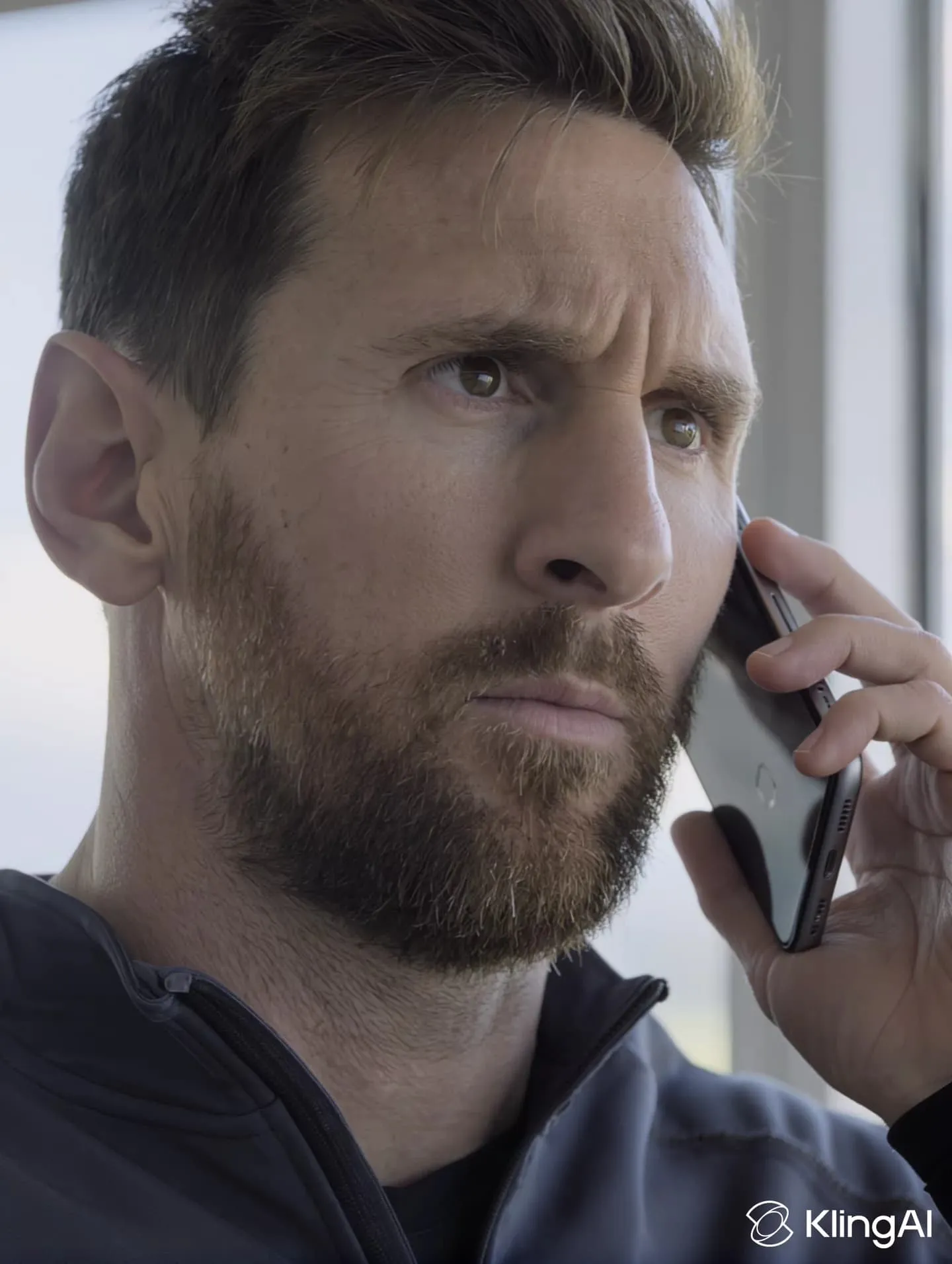
Kling AI's image generation feature is worth exploring for creators who want a versatile, high-quality tool. Built on advanced diffusion model technology, it supports a wide range of styles and produces detailed, photorealistic results from text descriptions. The platform's intuitive interface makes it accessible to beginners while offering enough control for experienced users who want precise creative direction.
Free tiers are a good way to test a platform before committing. Most leading tools offer limited free generations, which is enough to evaluate image quality and workflow fit. Pay attention to how well the tool handles your specific use case — a tool that excels at photorealism may not be the best choice for stylized illustration, and vice versa.
Start Creating Visuals That Actually Stand Out
Text to picture AI has moved from novelty to necessity for anyone who works with visual content. The technology is mature, accessible, and capable of producing results that genuinely compete with traditional design workflows — at a fraction of the time and cost.
The barrier to entry has never been lower. You don't need design skills, expensive software, or a large budget. You need a clear idea and the ability to describe it. From there, the AI handles the heavy lifting, giving you professional-quality visuals in seconds.
Whether you're a content creator looking to scale your output, a marketer trying to move faster, or an educator building more engaging materials, text to picture AI gives you a genuine competitive advantage. The creators and teams who adopt this technology now are building workflows that will define how visual content gets made for years to come. Start with a simple prompt, see what's possible, and build from there.