

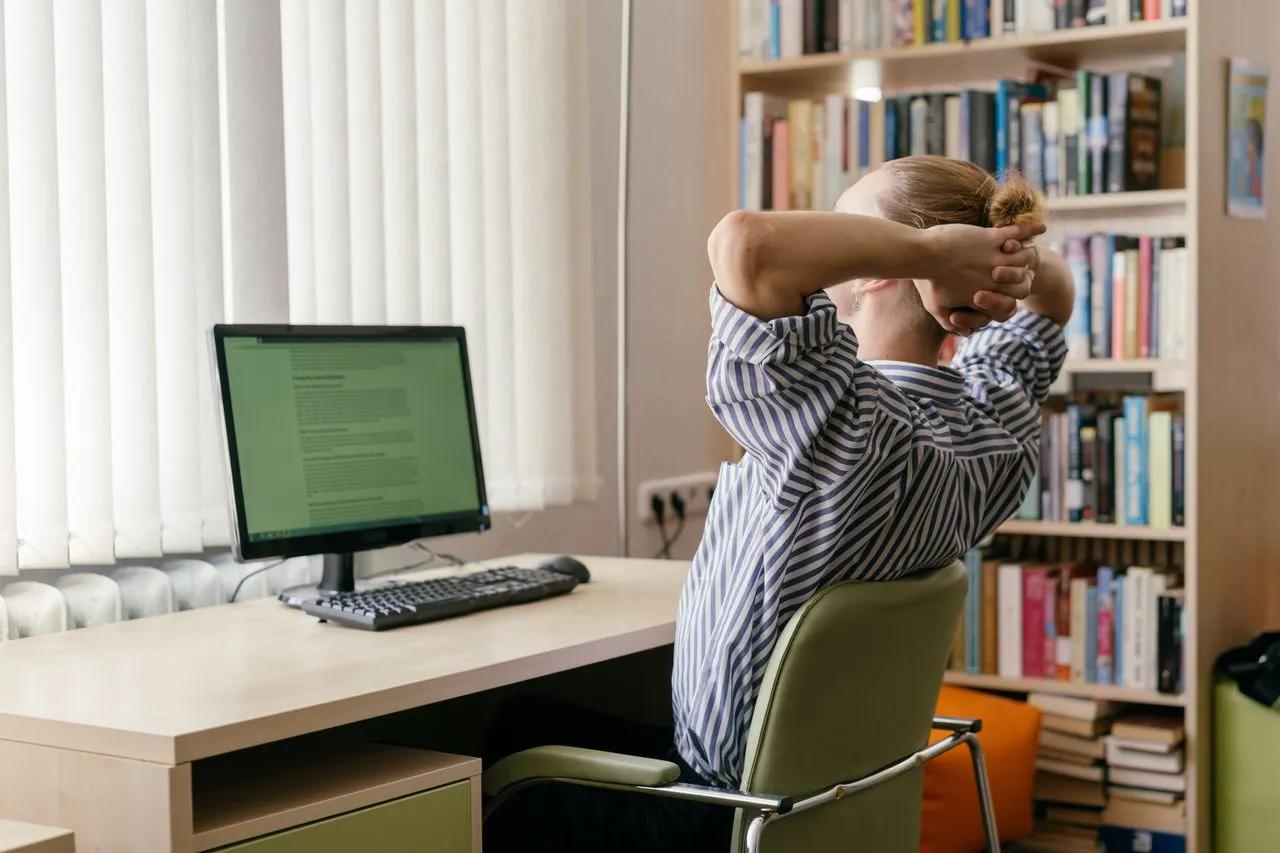
It usually creeps up slowly. A bit of stiffness after a long meeting, a dull ache in the lower back by mid-afternoon, a tight neck that won't loosen even after a weekend off. For millions of office workers, students and people working from home, back pain has become an almost expected side effect of spending long hours at a desk.
But it doesn't have to be. While sitting for long periods can place strain on the spine and muscles, small changes to your workspace, posture and daily habits can make a real difference. Supportive seating is a good starting point, and many people find that adding an ergonomic back support to their chair helps them maintain a more comfortable, natural posture throughout the day. This article offers general information only, so if your pain is severe, persistent or getting worse, see your GP or a physiotherapist.
Why desk work affects your back
The human body is designed to move. Sitting still for hours places sustained pressure on the spine, particularly the lower back. Over time, muscles that support good posture can become fatigued, while others become tight from staying in one position.
Poor posture adds to the problem. Slouching, leaning forward towards a screen or perching on the edge of a chair can increase strain on the back and neck. Laptops are a common culprit, as their low screens encourage people to hunch forward.
Stress can also play a role. Many people hold tension in their shoulders, neck and back without realising it, especially during busy or demanding workdays.
Set up your chair and workspace
A supportive chair is one of the most important parts of a comfortable workspace. Ideally, your chair should be adjustable, allowing you to change the seat height, backrest angle and lumbar support.
Sit with your feet flat on the floor or on a footrest, with your knees at roughly hip height. Your back should be supported by the chair, particularly in the lower back. If your chair lacks lumbar support, a cushion or back support can help fill the gap and encourage the natural curve of your spine.
Your desk and screen setup matters too. Position your screen about an arm's length away, with the top of the screen at or slightly below eye level. If you use a laptop, raise it with a stand and use a separate keyboard and mouse. Keep your keyboard and mouse close enough that your elbows stay near your sides, bent at roughly 90 degrees, with relaxed shoulders. Arrange frequently used items within easy reach to avoid repeated stretching or twisting.
Lighting is often overlooked. Poor lighting or glare can cause you to lean forward or strain to see your screen, contributing to neck and back discomfort.
Keep moving throughout the day
Even the best ergonomic setup can't fully counteract the effects of sitting still for hours. Regular movement is essential.
Try to change position and stand up at least every 30 to 60 minutes. Take short walks, stretch or do a few simple movements to get blood flowing and give your muscles a break. Setting reminders on your phone or computer can help.
Look for opportunities to move more during the workday. Take phone calls standing up, walk to a colleague's desk instead of sending a message, use the stairs or go for a walk at lunchtime.
Sit-stand desks allow you to alternate between sitting and standing, which some people find helpful. However, standing all day isn't the answer either. The key is variety.
Simple stretches can relieve tension during the day: gentle neck rolls, shoulder shrugs, seated spinal twists, standing back extensions and hamstring stretches. Move slowly and stop if anything causes pain.
Strengthen and look after your body
Strengthening the muscles that support your spine can help reduce back pain and improve posture. Core strength is particularly important, as the abdominal and back muscles work together to support the spine.
Activities such as Pilates, yoga, swimming and strength training can build strength and flexibility. Walking is also excellent for back health and overall wellbeing. If you're unsure where to start, a physiotherapist or exercise physiologist can recommend exercises suited to your needs.
Lifestyle factors matter too. Getting enough sleep, managing stress, staying hydrated and maintaining a healthy weight can all support back health. Your sleeping position and pillow can also affect how your back feels in the morning.
When to get help
Most desk-related back pain improves with changes to posture, movement and workspace setup. However, some symptoms need medical attention. See your GP or a physiotherapist if your pain is severe, lasts more than a few weeks or is getting worse, or if you experience numbness, tingling or weakness in your legs. Seek urgent medical care if back pain is accompanied by loss of bladder or bowel control, fever or unexplained weight loss.
Long days at the desk don't have to mean living with back pain. By improving your workspace, using supportive seating, moving regularly and looking after your overall health, you can feel more comfortable and productive throughout the workday.