

Creating a video used to require a lot of time and resources. From filming and recording voiceovers to editing clips and adding effects, even a short video could involve multiple steps before it was ready to share.
Today, AI video generators are changing this process. They allow creators to turn ideas, text descriptions, or existing images into videos with fewer technical barriers. For content creators, marketers, and businesses, AI makes video creation more accessible and gives them a faster way to produce visual content.
What Is an AI Video Generator?
An AI video generator is a tool that creates videos based on user input, such as text descriptions or images. With text-to-video features, users can describe a scene, concept, or story and generate a video based on that idea. With image-to-video features, existing pictures can be transformed into dynamic content with movement and effects.
Instead of starting every project from a blank timeline, creators can use AI to explore visual ideas and develop content more efficiently.
Why More Creators Are Using AI Video Generators?
AI video generators are changing the traditional content creation workflow. In the past, creators often followed a longer process: planning an idea, shooting footage, editing videos, and finally publishing the result. Now, they can start with an idea or image, generate a video, customize the result, and share it across different platforms.
This new workflow is especially useful for social media creators, marketers, educators, e-commerce teams, and YouTubers who need to create visual content regularly. Instead of spending most of their time on production tasks, they can focus more on storytelling, creativity, and connecting with their audience.
How to Create Videos with PicLumen AI Video Generator?
Creating an AI video does not always have to start with a blank page. Many creators already have visual assets, such as product images, character designs, illustrations, or social media graphics, and want to bring them to life with movement. PicLumen AI Video Generator is designed around this workflow, allowing users to transform ideas and existing images into dynamic video content.
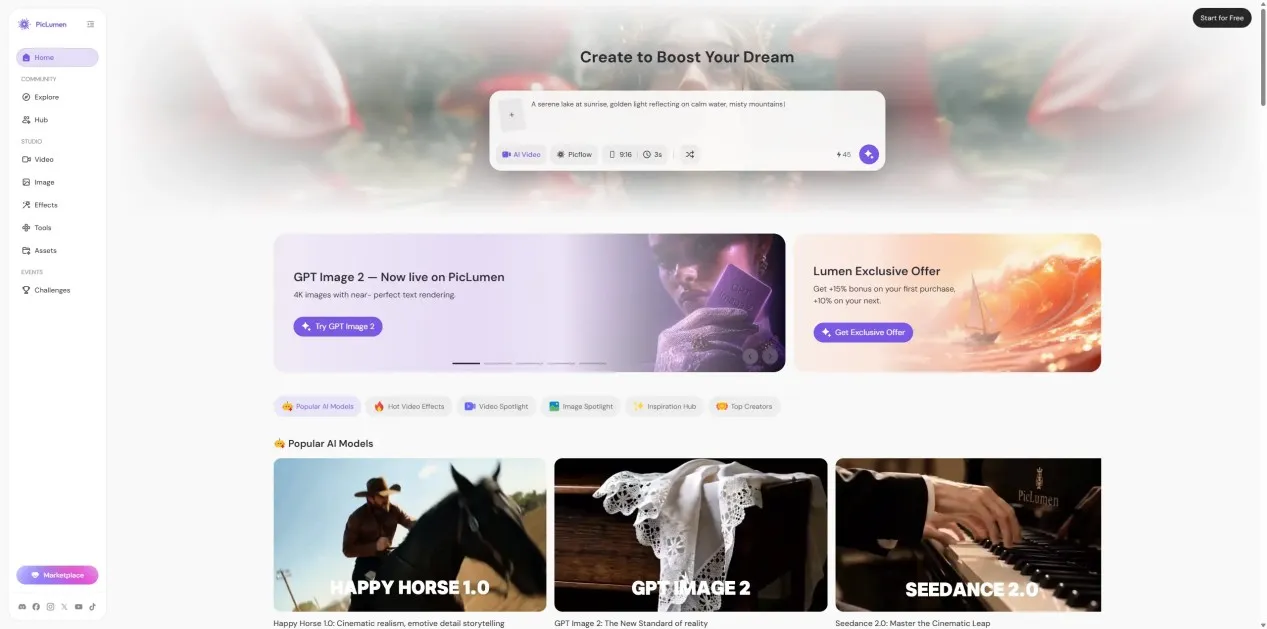
The process is simple:
Upload an image or enter an idea
Start by uploading an existing image or describing the video concept you want to create. Whether it is a character illustration, product image, or creative concept, PicLumen helps turn static visuals into animated content. Users can also begin with text prompts and explore different visual directions through AI video generation.
Generate videos with AI models
After providing an input, PicLumen uses advanced AI video models to create short videos with natural motion and visual effects. The platform supports multiple video generation models, allowing creators to choose different styles and results based on their needs, including models such as Veo 3.1, Seedance 2.0, Kling 3.0, Sora 2 and HappyHorse 1.0.
Different models offer different creative possibilities. Some are better suited for cinematic motion and realistic scenes, while others work well for stylized content, character animation, or social media videos. This flexibility allows creators to experiment with different visual approaches without switching between multiple platforms.
Adjust and refine the result
The first generated video is often the beginning of the creative process. Creators can refine their results by adjusting prompts, changing visual directions, or experimenting with different generations. This makes it easier to improve movement, atmosphere, and overall style until the video matches the original idea.
Create content for different platforms
Once the video is ready, it can be used for social media posts, marketing campaigns, product promotion, or creative projects. Instead of spending hours recording and editing every clip manually, creators can produce engaging visual content from existing assets.
Beyond the main AI video generator, PicLumen also provides specialized tools for different content needs:
AI GIF Generator: Turn Images into Shareable GIFs
GIFs remain a popular format for social media conversations, marketing posts, and online communities. PicLumen AI GIF Generator helps transform static images into animated GIF content, adding movement and making ordinary visuals more eye-catching.
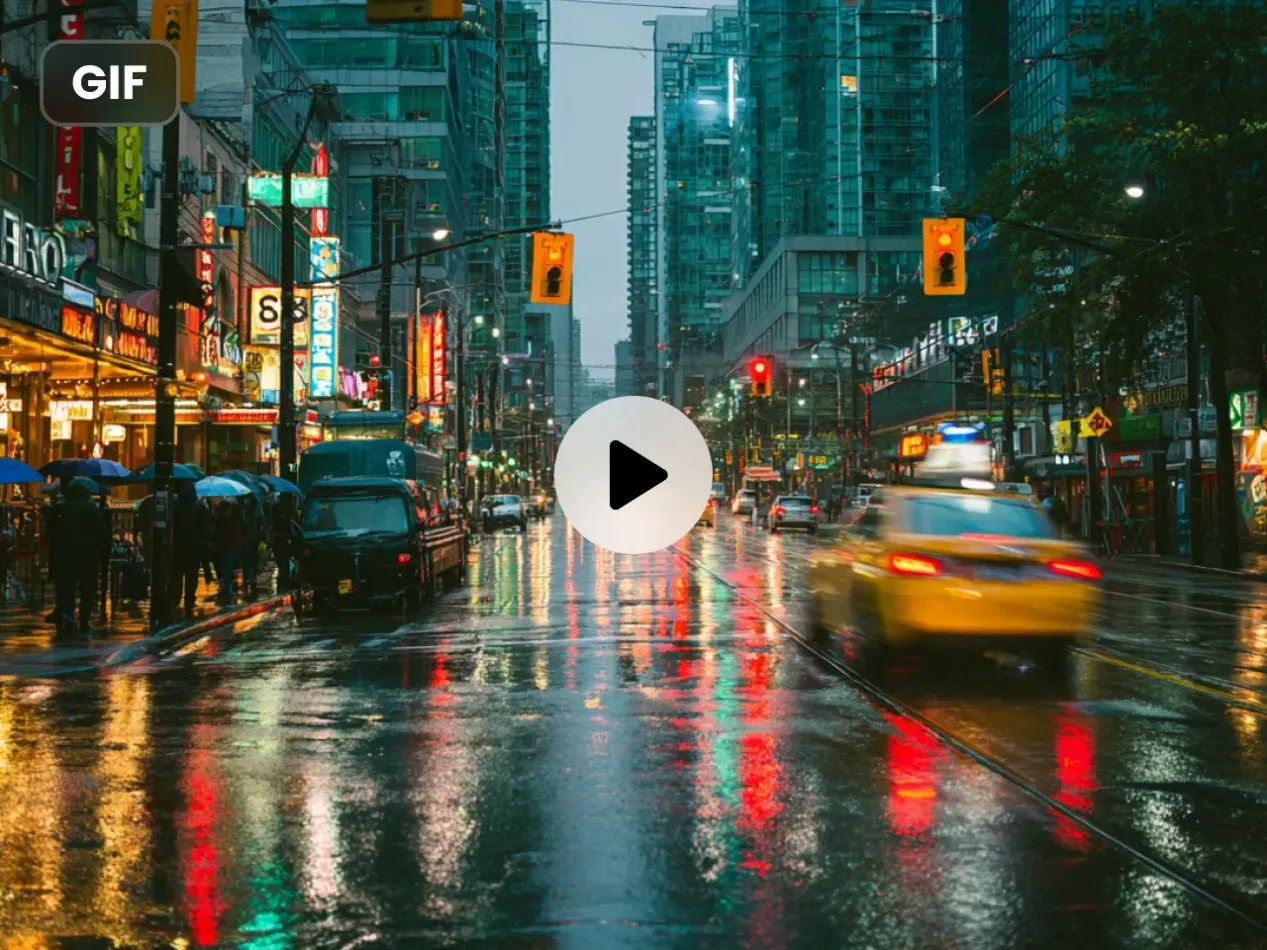
Creators can use it to animate illustrations, enhance social posts, create reaction content, or add motion effects to images without traditional animation skills.
Video Meme Generator: Create Short-Form Social Content Faster
Meme content depends on speed, creativity, and timing. PicLumen Video Meme Generator helps users quickly turn ideas and images into short meme-style videos suitable for social platforms.
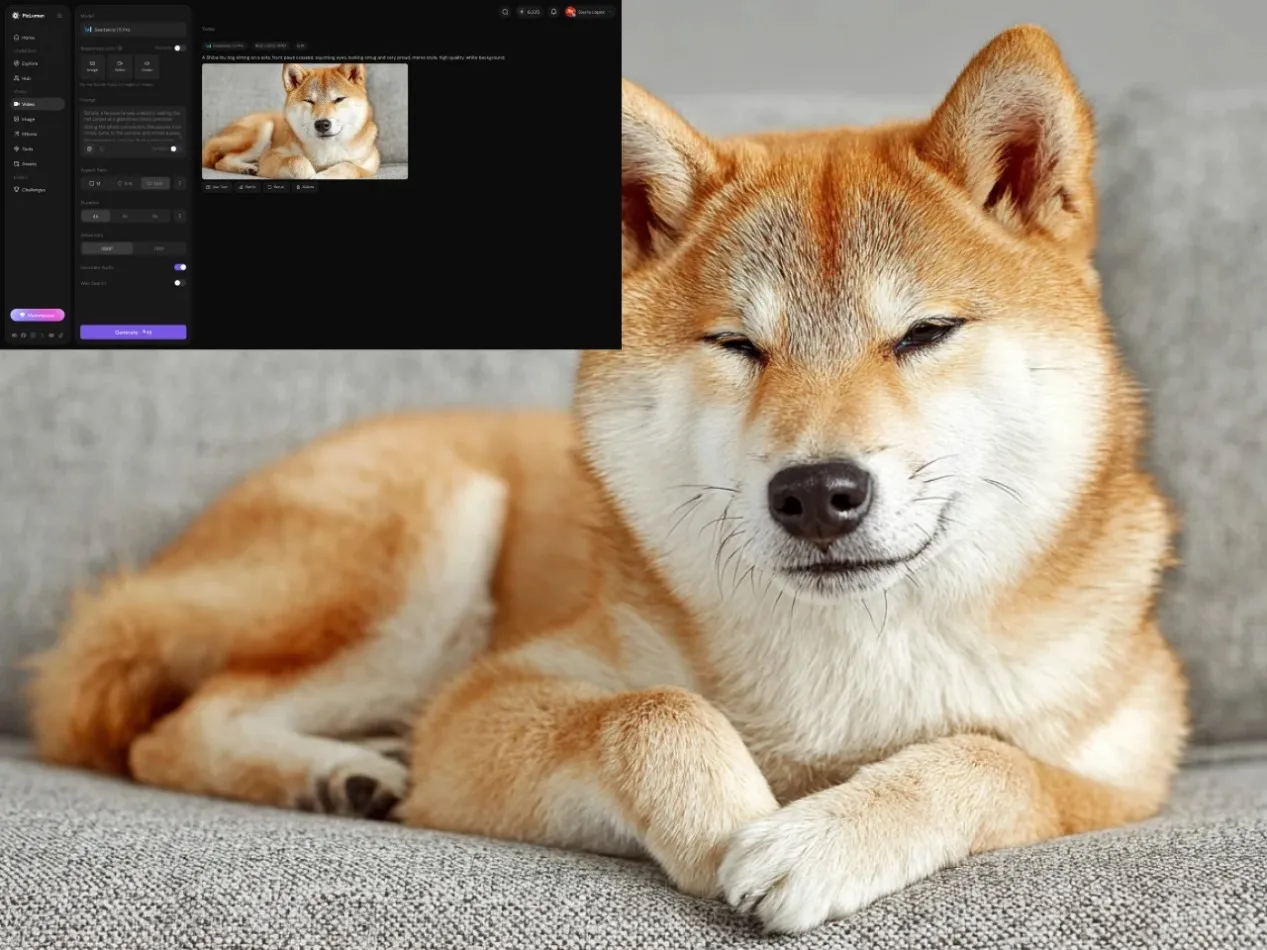
Whether creating humorous clips, reaction videos, or trending content, creators can generate visual variations faster and adapt their ideas for platforms where short videos perform well.
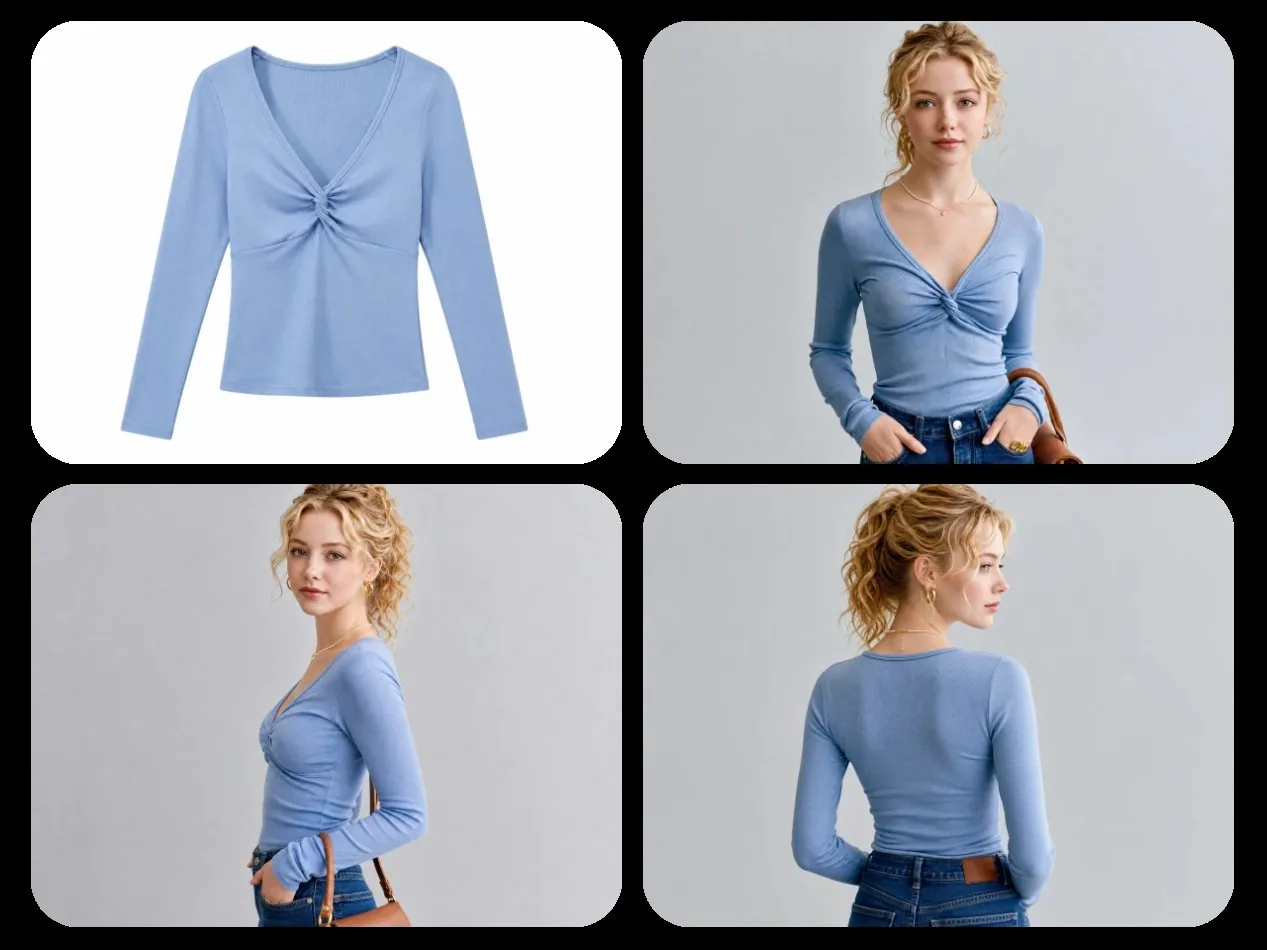
AI Fashion Model Generator: Create Marketing Visuals with AI
For e-commerce brands and fashion creators, producing product visuals can often require professional photography, models, and studio setups. PicLumen AI Fashion Model Generator provides another way to explore fashion content by generating AI-powered model visuals.
Brands can use it to create clothing concepts, showcase different styles, and develop marketing materials for online stores or social media campaigns. It helps teams explore visual ideas before investing in traditional production.
By combining AI video generation with image transformation and creative tools, PicLumen provides a flexible workflow for creators who want to turn images and ideas into videos, GIFs, memes, and marketing visuals.
Tips for Creating Better AI Videos
Good AI videos start with a clear concept. Before generating a video, decide what you want to communicate and choose images that are sharp and visually consistent.
If you're creating a series of videos, keeping the same style, colors, or character across different clips helps build a stronger visual identity.
It's also important to use movement with purpose—subtle camera motion or animation often looks more natural than adding effects everywhere.
Common Mistakes Beginners Make
Many beginners expect the first result to be perfect, but AI video creation is often an iterative process. Small changes to your input can produce much better results.
Another common mistake is using images with low resolution or mixing too many visual elements in one scene, which can make the final video feel cluttered. Focusing on one clear idea usually leads to a more polished result.
Final Thoughts
AI video generators are making video creation more accessible for creators, marketers, educators, and businesses. They help people turn ideas and existing images into videos more efficiently, leaving more time for storytelling and content creation.
PicLumen helps creators transform ideas and images into engaging AI videos with flexible generation tools for social media, marketing, and creative projects.
AI Video Showcase: