

The week before a product launch is rarely about high-level strategy and almost always about the friction of the "final mile." You have the raw assets from the studio shoot, but the lighting on the hero shot feels cold. The lifestyle images for the social campaign are cluttered with background distractions that compete with the product. In a traditional workflow, these issues trigger a back-and-forth with a retouching agency or a bottleneck in the design queue that can last days.
For product teams, the primary value of an AI Photo Editor isn't just generating an image from scratch; it is the ability to collapse this iteration loop. When you are shipping ads across multiple channels—each requiring different aspect ratios, aesthetic tones, and regional variations—the speed of your editing pipeline becomes your greatest competitive advantage. The goal is to move from a raw asset to a high-converting ad variant in minutes rather than hours.
The Late-Stage Asset Bottleneck in Product Launches
A single lighting flaw or an awkward reflection can stall a multi-channel campaign. Product teams often find themselves in a "perfection trap" where the cost of a reshoot is prohibitive, but the cost of shipping a mediocre asset is even higher in terms of lost conversions. Traditional retouching cycles are designed for precision, but they are notoriously slow for teams running rapid A/B tests on social platforms where the "half-life" of a creative asset is shrinking.
The shift we are seeing in creative operations is a move away from "generative discovery"—using AI to see what might happen—and toward "precision editing." In a performance marketing context, you already know what the product looks like. You don't need a hallucinated version of your hardware. You need an AI Photo Editor that respects the integrity of your product while allowing you to manipulate everything around it. This tactical refinement is where the real ROI of AI media tools lives today.
Cleaning the Canvas: Object Erasure and Background Integrity
Effective advertising requires the viewer’s eye to travel a specific path. If a stray power cord, a scuff on a table, or a distracting background element pulls focus from the product’s value proposition, the ad fails. In the past, removing these elements required meticulous cloning and healing work.
The Role of Context-Aware Object Removal
Modern AI Photo Editor tools utilize context-aware fills that go beyond simple pixel-copying. When you erase an object, the system analyzes the surrounding textures, lighting, and depth to "predict" what should be behind the removed element. However, there is a technical limitation here: while AI is excellent at filling in organic textures like grass, wood, or blurred bokeh backgrounds, it can still struggle with highly geometric patterns or architectural lines.
If you are removing a large object from a foreground with a complex tiled floor, the AI might slightly warp the perspective. For product teams, this means a manual review is still necessary to ensure that the "fill" doesn't look like a glitch.
Background Swaps and Shadow Consistency
Swapping a background is one of the fastest ways to repurpose an asset for a different seasonal campaign. Taking a product shot from a minimalist studio setting and placing it in a "warm home" environment can completely change the audience’s perception. The challenge has always been the shadows. If the product’s original lighting was top-down and the new background has a side-lit window, the image will look "pasted on" and untrustworthy.
An advanced AI Photo Editor handles this by allowing you to generate "lighting-aware" environments or by using image-to-image prompts to subtly harmonize the color grading between the foreground and the new background. This level of technical oversight is what separates a professional ad from a low-fidelity mock-up.
Scaling Variants Without a Secondary Shoot
Performance marketing lives on variety. You need to know if your product performs better in an urban setting or a rural one, or if a younger demographic responds more to vibrant, high-contrast aesthetics compared to a muted, professional palette.
Leveraging Image-to-Image for Demographic Adaptation
Using image-to-image workflows, teams can take a single "master" product shot and generate dozens of stylistically different variations. By adjusting the "denoising strength" or "image strength" settings in an AI Photo Editor, you can keep the product itself locked in place while the environment, the models, and the overall color science shift to match a specific target audience. This is particularly useful for global launches where aesthetic preferences can vary wildly between Western and Eastern markets.
The Resolution Problem: Upscaling for Quality
Mobile-sourced content—often used for "authentic" or UGC-style ads—often lacks the resolution needed for high-quality desktop displays or print-ready assets. The upscaling capabilities within an AI Photo Editor are essential here. Unlike traditional interpolation, which just makes pixels larger and blurrier, AI upscaling (using models like those found in PicEditor AI) actually reconstructs detail. It can sharpen edges and clear up noise, making a quick smartphone snap look like it was shot on a high-end mirrorless camera.
Facial Enhancement and Localization
For hero images involving people, the ability to perform face swaps or facial enhancements allows for deep localization. Instead of hiring five different models for five different regions, a product team can use a high-fidelity AI Photo Editor to adjust the features of a model to better represent the local population of the target market. This is not about deception; it is about representation and ensuring that the ad resonates on a personal level with the viewer.
Where the Workflow Breaks: Limitations and Manual Oversigh
It is important to reset expectations regarding "one-click" solutions. We are not yet at a point where a machine can produce a perfect, ready-to-ship ad without human intervention.
The Uncanny Valley and Texture Risks
Generative AI still has a tendency to "over-smooth" textures. Skin can end up looking like plastic, and fabrics can lose their tactile quality. When an AI Photo Editor applies a generative fill or an upscale, it can sometimes introduce what we call the "uncanny valley" effect—where something looks almost real, but our brains register it as "off." Product teams must establish a "minimum viable fidelity" (MVF) bar. If the texture of the product itself is altered by the AI, the asset must be discarded or manually corrected.
The Text Rendering Hurdle
One of the most persistent issues in AI image-to-image transformations is text. If your product has a label, a logo, or a screen with a UI, photo editing tool will often treat that text as a texture rather than a piece of information. It might blur the letters or transform them into unrecognizable characters. For this reason, the most effective workflow involves editing the environment and lighting with AI, but then layering the original, high-resolution product logo or UI back on top using traditional design tools.
The Efficiency Gains of an Integrated Editing Pipeline
Moving from an outsourced retouching model to an internal, AI-driven pipeline changes the economics of creative testing. When the cost of producing a new ad variant drops from hundreds of dollars to the cost of a few minutes of compute time, you can afford to be more experimental.
Reducing Tool-Hopping Friction
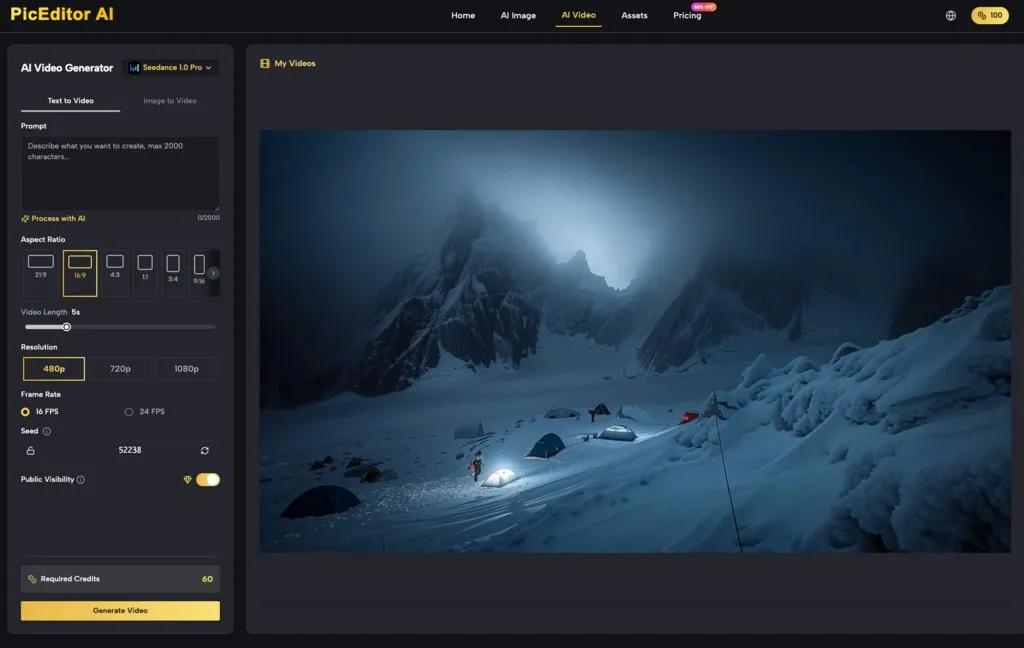
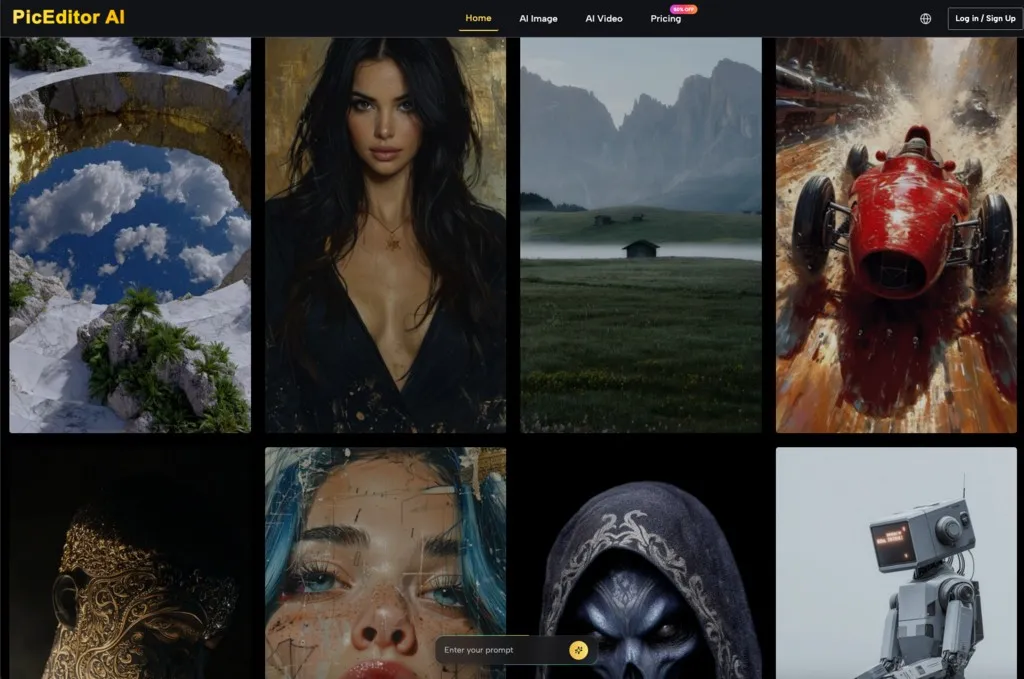
One of the hidden killers of creative momentum is "tool-hopping." Moving from an AI generator to a separate background remover, then to an upscaler, and finally to a layout tool creates a fragmented workflow. A unified platform like PicEditor AI, which houses the AI Photo Editor alongside video generation and image enhancement models (like Nano Banana or Flux), keeps the creative professional in a single flow.
Final Checklist for Launch-Ready Assets
Before moving an AI-edited asset into the paid media pipeline, product teams should run a quick audit:
Product Integrity: Does the product look exactly like the physical item? (No distorted logos or altered proportions).
Lighting Logic: Do the shadows in the background match the light falling on the product?
Artifact Check: Are there "ghost" pixels or warped lines in the background from an object removal?
Resolution: Has the asset been upscaled to handle the highest possible display resolution of the target platform?
By treating the AI Photo Editor as a high-speed precision tool rather than a magic wand, product teams can ship more variants, test more hypotheses, and ultimately find the "winning" creative faster than the competition. The future of launch marketing isn't about having the biggest budget; it’s about having the tightest iteration loop.