

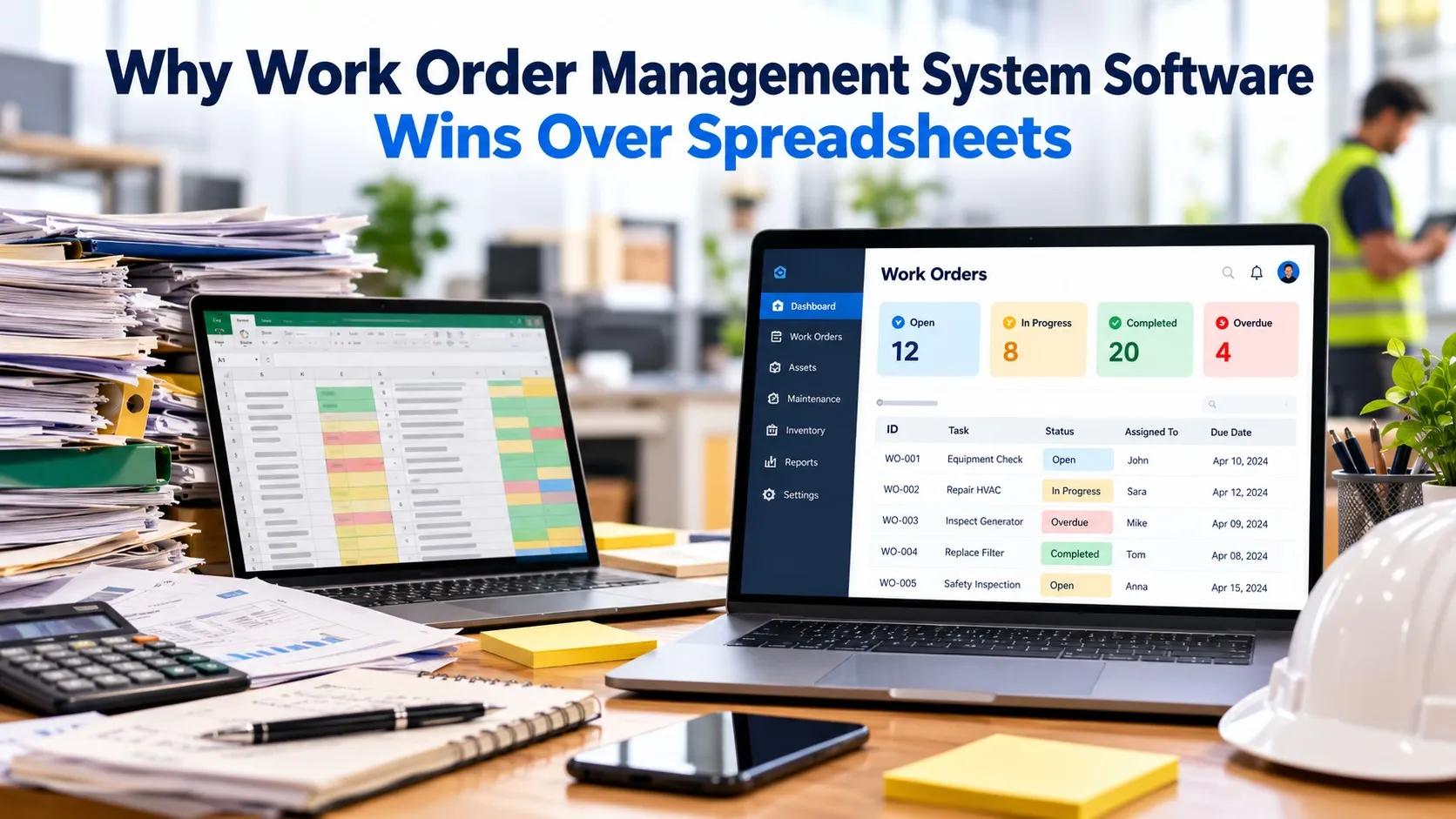
Spreadsheets give maintenance teams a familiar way to list repairs, assign responsibility, and record completed work. Their limits become clear as requests increase, technicians change shifts, and managers need reliable records. Rows become outdated, duplicate entries obscure priorities, and formulas rarely capture asset history or field evidence. Work order management system software replaces scattered updates with a controlled process for requesting, scheduling, completing, and reviewing maintenance. That difference becomes clear once daily work moves beyond a shared file.
A spreadsheet stores information, but it doesn't manage the workflow around it. Someone can miss a priority change, overwrite an update, or struggle to confirm when work finished. Teams comparing work order management system software should examine whether the system maintains accountability as maintenance volume, shift changes, and coordination demands increase across facilities.
Why Spreadsheets Break Under Maintenance Pressure
Spreadsheets depend on manual discipline at every stage. Someone must enter a request, notify a technician, update the status, and protect formulas from accidental changes. That process breaks during shift changes or urgent repairs.
A work order system assigns each task to a responsible person, records status changes, and keeps the current queue visible. Managers spend less time reconciling tabs and more time addressing overdue work.
Data quality also suffers with spreadsheets. A closed row rarely records the asset involved, parts consumed, photos taken, or the procedure followed. Separate files create gaps between a repair request and its history, especially across multiple facilities.
Digital work orders connect each record to an asset and preserve documented history for recurring failures. That record gives maintenance managers better evidence for future scheduling and repair decisions.
A System Creates One Operating Record
A work order system gives maintenance teams one shared record for each task. A request moves through assignment, scheduling, execution, and closure within the same workflow. Required fields, checklists, signatures, comments, and completion records create consistent documentation.
Supervisors can see unfinished work without asking technicians for separate updates. The record also shows who handled the task, what actions were completed, and whether follow-up work remains.
Mobile access matters because maintenance happens on the floor, away from a desk. Technicians can open job details, review asset history, attach photos, scan codes or barcodes, and work offline from a phone or tablet.
Updates reach the central record after connectivity returns. Field activity stays connected to planning and reporting, even when technicians work in areas with limited service.
Planning Replaces Reactive Chasing
Spreadsheets usually show what someone entered, rather than what should happen next. A work order system supports recurring preventive maintenance, meter-based tasks, and condition-based triggers.
Those rules generate work at the required interval and place it in a visible queue. Supervisors can track preventive maintenance compliance and completion instead of relying on memory or calendar reminders.
Better planning also improves maintenance decisions without requiring another tracking file. Asset history shows repeated failures, while reports reveal overdue tasks and completion patterns.
Managers can use those records to adjust schedules, review labor demand, and decide whether a repair requires deeper investigation. Reliable decisions depend on consistent entries, not spreadsheet formatting.
Control Parts and Communication
Maintenance delays often begin with missing information or parts. A connected system links work orders to inventory activity, so teams can see the parts associated with a job and identify shortages earlier.
Comments keep questions and decisions with the relevant task, rather than hiding them in email threads or informal messages. Technicians and supervisors can review the same details before work begins.
Standardized procedures reduce variation between technicians and locations. A checklist can require the same inspection steps each time, while a shared history shows whether those steps were completed.
Multi-site teams gain a common process without forcing each facility to maintain separate spreadsheet structures and reporting formulas. That consistency makes records easier to review across locations.
Reporting Turns Records Into Decisions
Reports draw directly from completed work, not copied spreadsheet summaries. Managers can filter open, overdue, and completed orders by location, asset, or status.
That view supports daily dispatch decisions and regular reviews. Leadership receives a clearer record of maintenance activity without asking each supervisor to rebuild the same figures.
A useful review compares how quickly staff receive requests and how often technicians update statuses. Managers should also test how easily records can be retrieved during audits or incident reviews.
These measures show whether the new process improves daily control before broader adoption begins. They also show where training or workflow changes are still needed.
Evaluate the Workflow Before Choosing
Replacing spreadsheets requires reviewing how work happens. Managers should test mobile usability with technicians, confirm offline access, and check whether assignments, approvals, and required fields match existing procedures.
They should also review asset records, inventory connections, reporting, integrations, and workflow customization before selecting a system. Each function should support a real maintenance requirement rather than add unnecessary steps.
Adoption deserves equal attention. A system that technicians cannot update during a repair will recreate the same gaps as a spreadsheet.
Short forms, clear statuses, and familiar mobile actions support accurate entries, while supervisor dashboards expose missing updates early. A small pilot on one workflow can reveal training needs before wider rollout.
Conclusion
Spreadsheets are still useful for simple lists, but maintenance work requires more control than rows and formulas provide. A work order system connects requests, people, assets, parts, procedures, and completion records in one traceable process. The next step is to map one high-volume workflow, such as preventive maintenance or breakdown repair, then test it with technicians and supervisors. Compare those records with the spreadsheet, focusing on missed tasks, update speed, and evidence quality before expanding.